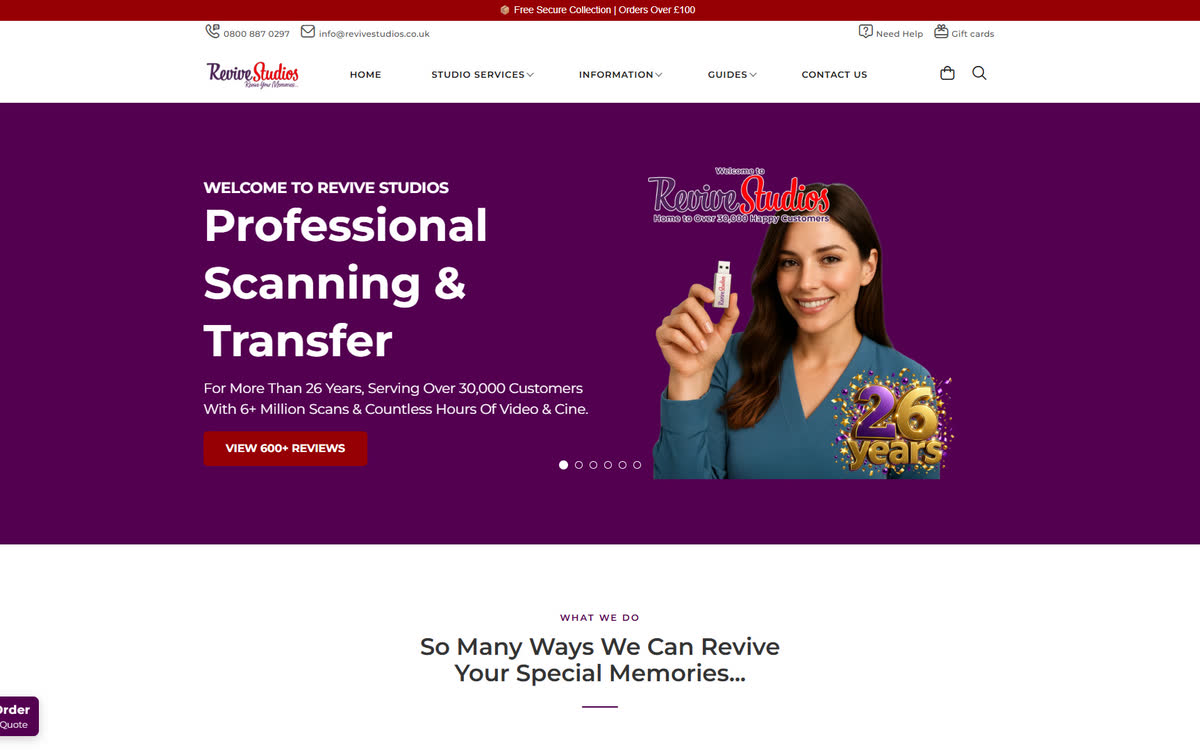
Describe your brand
Store name, what you sell, the vibe. Flex reads it, picks a starting EPIC theme, seeds it with your colours and typography, and drops your first six products into the right places.
Answer a few questions about your brand. Flex arranges an EPIC theme around your products, tunes it to your colours and fonts, and hands you a live editor to fine-tune the rest. No code. No designer. No fifty-tab tutorial.
Free on every plan — including the free Community plan. No trial.
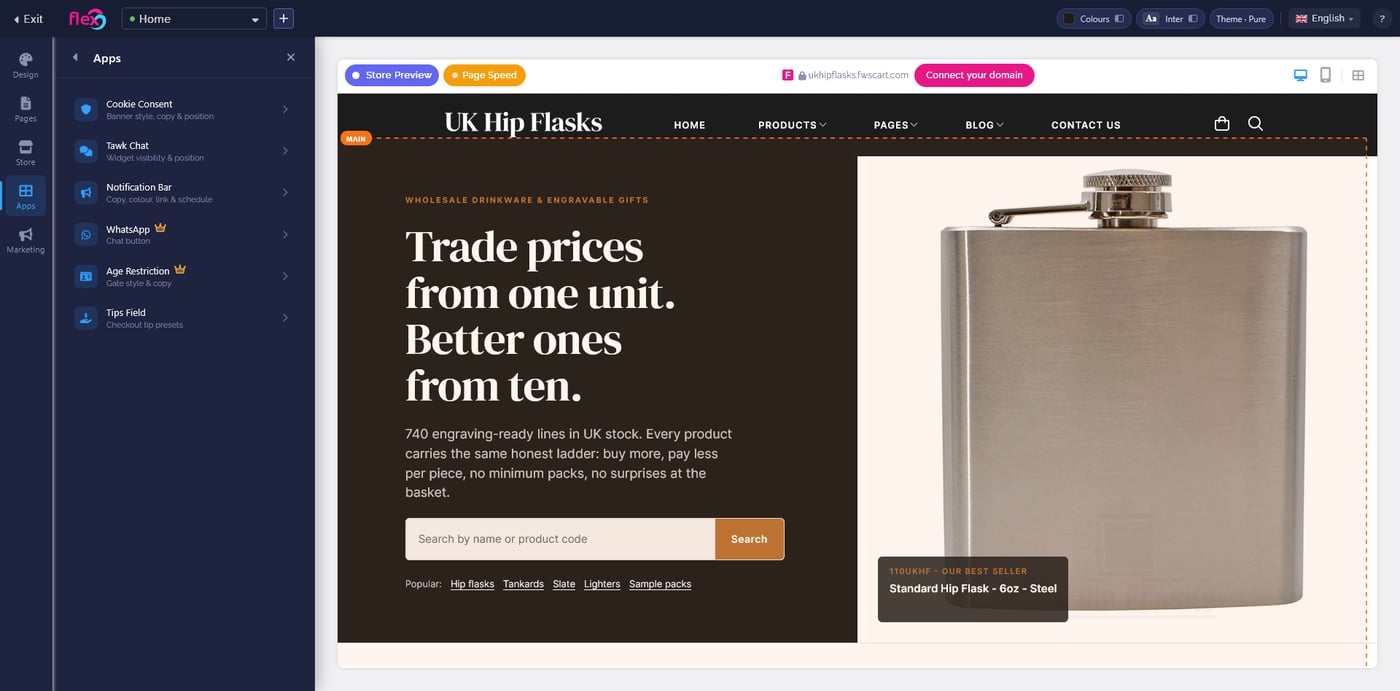
Flex is a visual editor with an AI arranger built in. You bring the brand and the products. It handles layout, hierarchy, colour balance, and the boring bits people usually spend three weekends on.
Store name, what you sell, the vibe. Flex reads it, picks a starting EPIC theme, seeds it with your colours and typography, and drops your first six products into the right places.
Every element on the storefront is directly editable in the preview. Click a headline to rewrite it, drag a container to reorder it, swap an image inline. No template files, no CSS classes.
The editor previews desktop and mobile side-by-side. Every tweak applies to both. No last-minute panic about how the hero looks on a phone at 375 pixels wide.
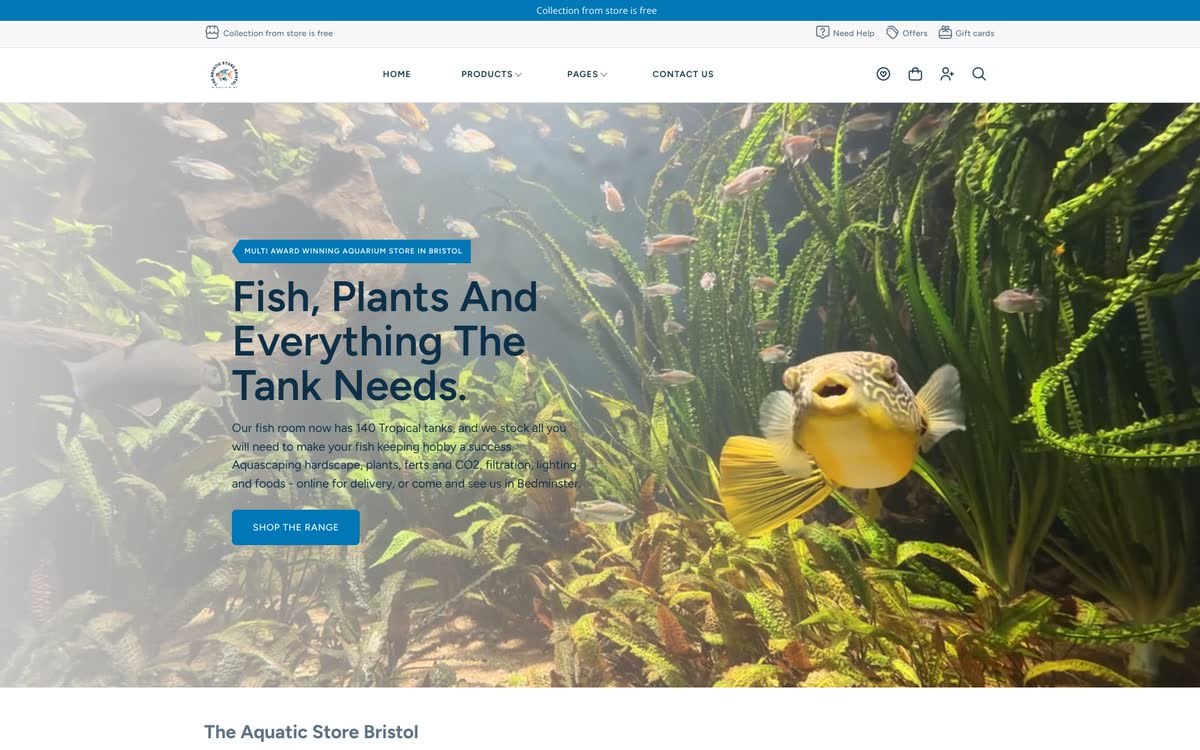
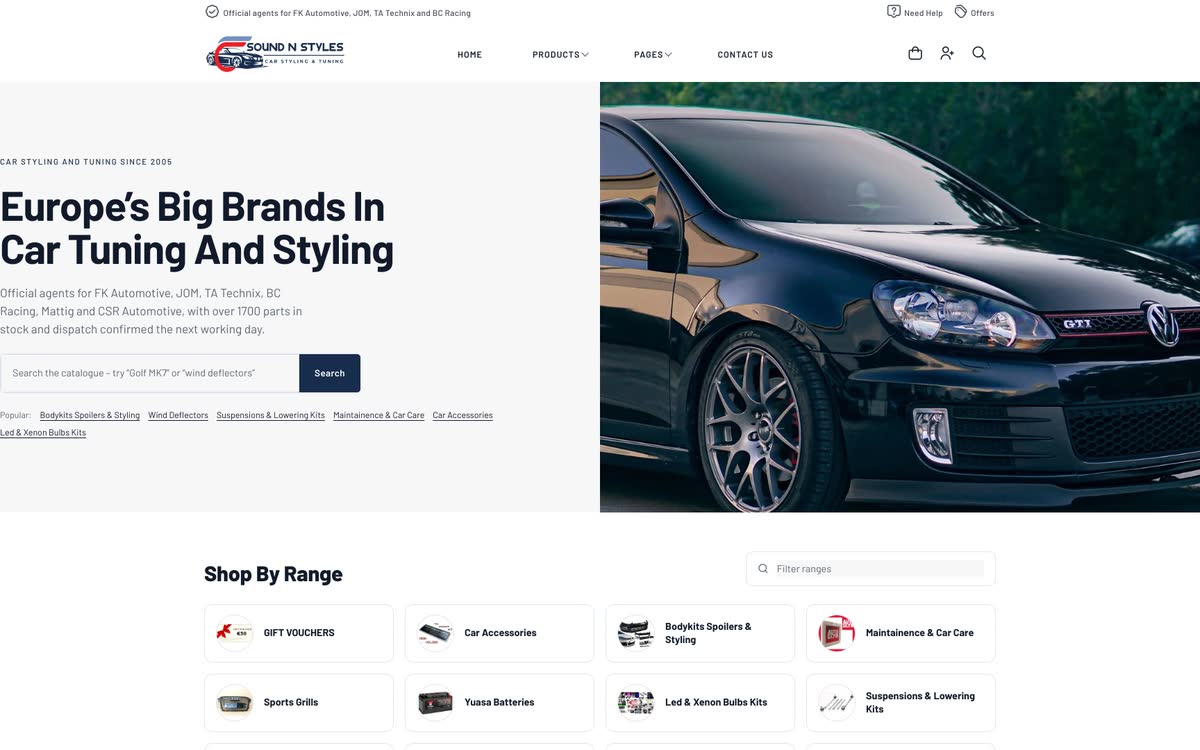
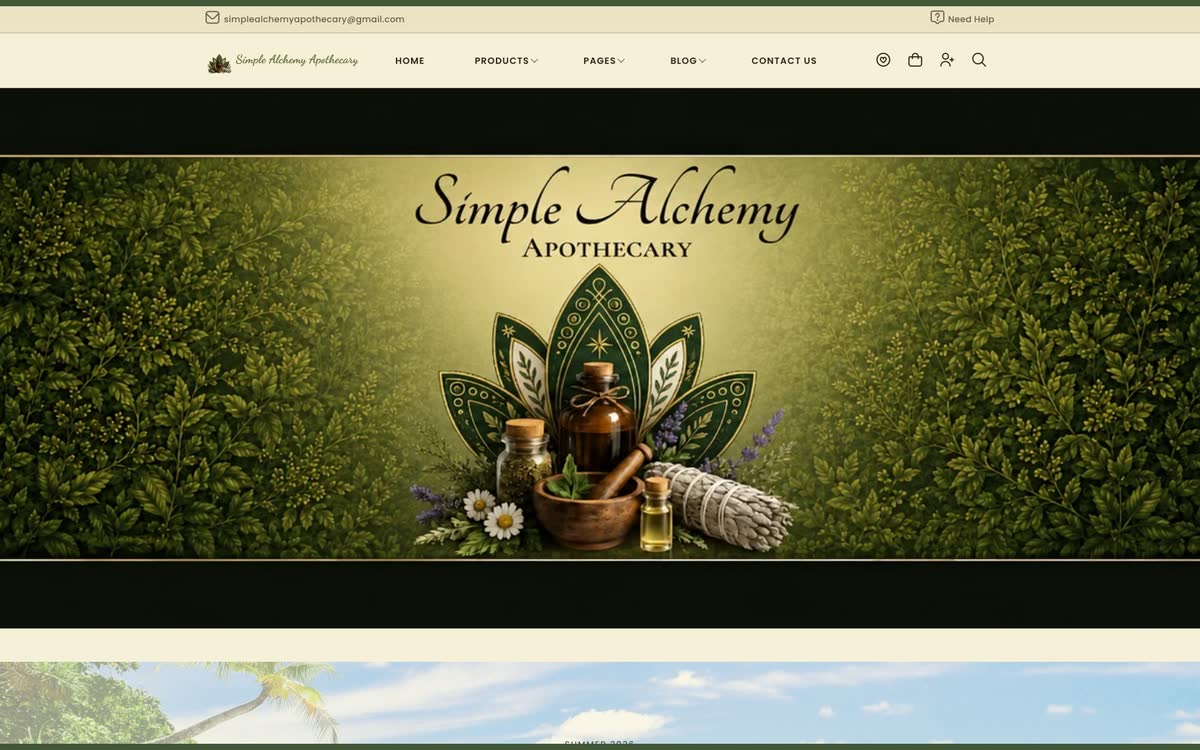
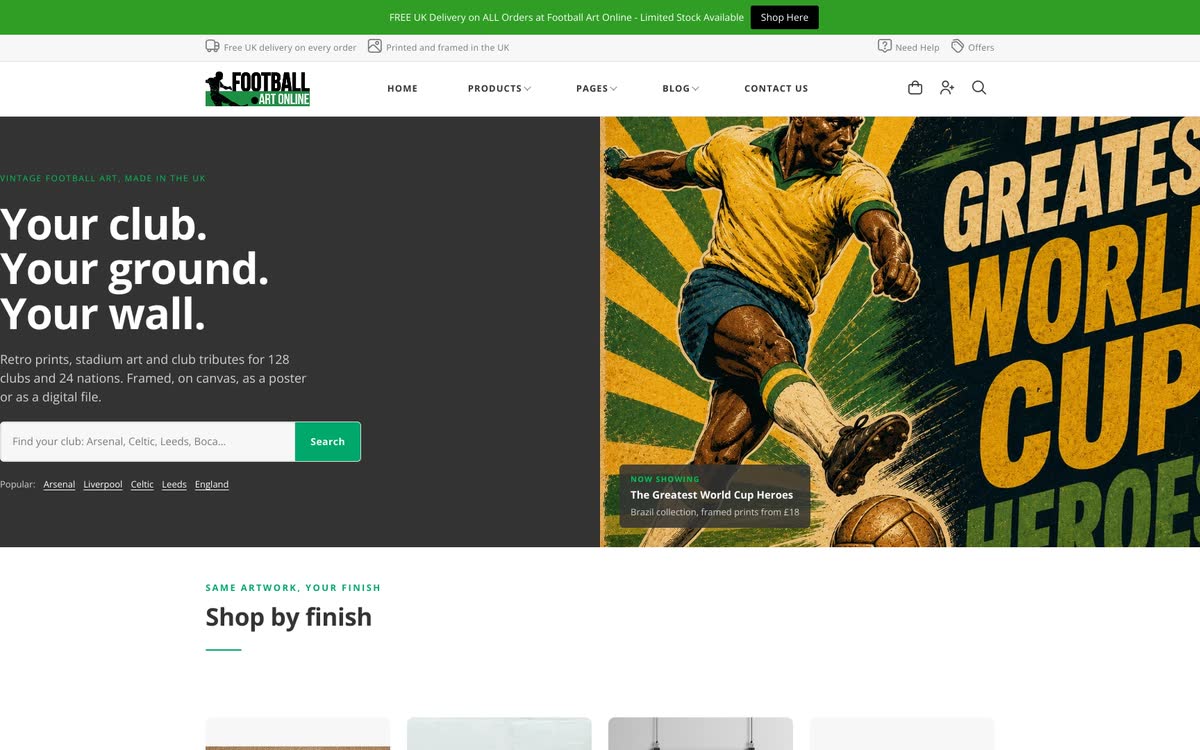
A few live Freewebstore stores built and edited in Flex. Same tool, five very different results — because Flex bends to the brand, not the other way around. See all 14 in the full showcase →
Store name, category, colours if you know them, a sentence of tone. Flex reads it and picks a starting EPIC theme that fits — editorial for a specialist, dense grid for a wholesaler, big-image for a lifestyle brand.
Click any headline, image or container to edit it. Drop in your logo, swap colours, rewrite the hero. Preview desktop and mobile at the same time. The AI keeps hierarchy and spacing on-brand as you tweak.
Ship the storefront when you’re happy. Come back to Flex any time to run a seasonal refresh, launch a campaign hero, or restructure a category page — no downtime, no rebuild.
No. Flex is a visual editor. You describe your brand in plain language, pick a starting theme from the EPIC library, and every change happens through a live click-and-edit interface. No HTML, no CSS, no template files.
Most sellers get a publish-ready homepage in 10 to 20 minutes. The initial AI-arranged draft takes seconds; the rest is the editor pass — tweaking colours, swapping images, adjusting copy — and you can leave and come back whenever.
Yes. Flex is included on every Freewebstore plan, including the free Community plan. No trial, no upgrade prompt to unlock the editor.
EPIC is Freewebstore’s library of storefront themes — the visual style Flex arranges around your products. EPIC gives you the look; Flex is how you edit and customise it. See the EPIC page →
Yes. Flex is opt-in. If you already have a store you’re happy with, it stays exactly as it is. Flex is there when you’re ready for a redesign — or open a second store to try it on.
Every EPIC theme is mobile-first — Flex previews the desktop and mobile views side-by-side, and any tweak you make applies to both. Your storefront looks right on the phone from the first draft.
Try Flex on a free Community store. Ten minutes from sign-up to something you’d actually publish.
Start my free storeNo credit card. Flex included. See EPIC themes →