
Mobile-first, from day one
Every EPIC theme was designed on the mobile layout first, then scaled up. Over 70% of ecommerce traffic is mobile — the themes are built for that reality, not for a designer’s desktop canvas.
EPIC is Freewebstore’s storefront theme library — mobile-first, category-tuned designs the Flex AI editor arranges around your brand. Distinctive stores in minutes, no template graveyard, no one-of-a-thousand look.
Every EPIC theme included on every Freewebstore plan — including the free Community plan.
EPIC themes are designed to be arranged, not just applied. Every theme knows how to bend to a specific brand — that’s the whole point of the AI-editor pairing.
Every EPIC theme was designed on the mobile layout first, then scaled up. Over 70% of ecommerce traffic is mobile — the themes are built for that reality, not for a designer’s desktop canvas.
Wholesalers need dense product grids. Editorial brands need big-image heroes. Fashion needs collection-first navigation. EPIC ships different patterns for different shapes of store — you don’t force a single layout to do everything.
Two stores on the same EPIC theme rarely look like the same store — colour, typography, imagery, hierarchy and copy all shift to the brand. That’s the Flex AI arranger at work.
Live Freewebstore storefronts, each built on an EPIC theme and edited in Flex. Same starting library, five very different results. See all 14 in the full showcase →
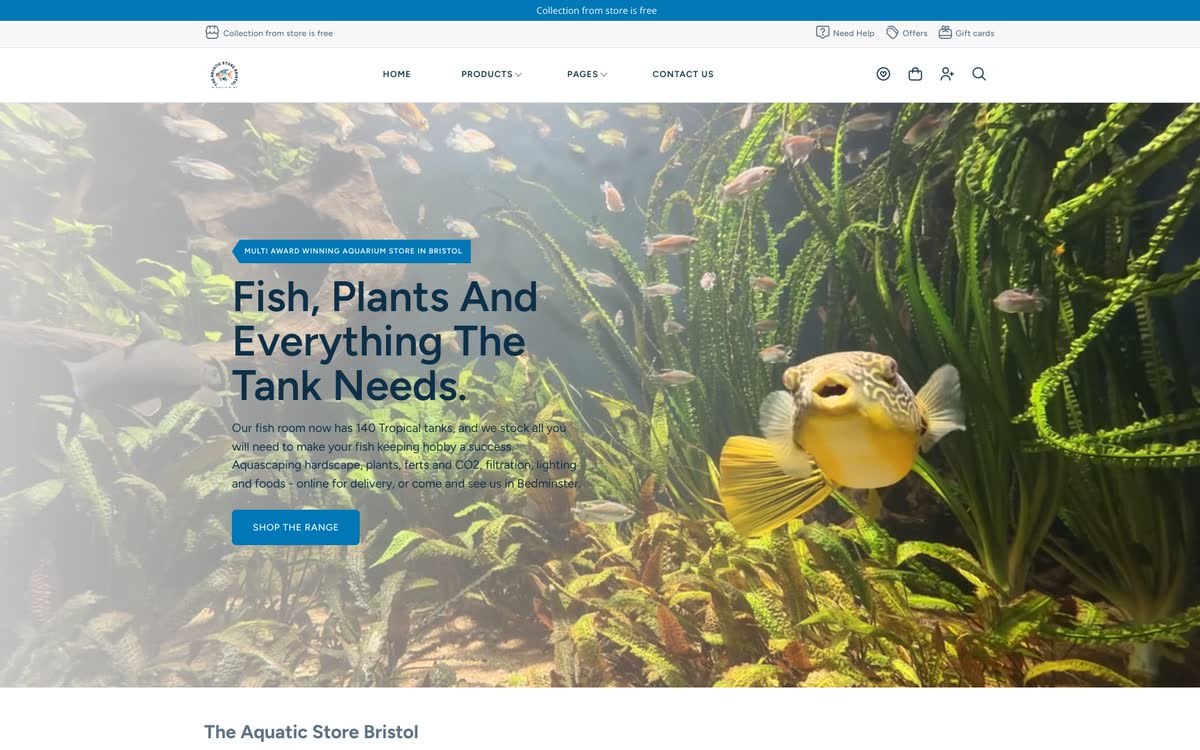
Aquarium plants, fish, hardscape. Bright, colour-forward EPIC theme with rich category navigation and product-detail focus.
Visit store →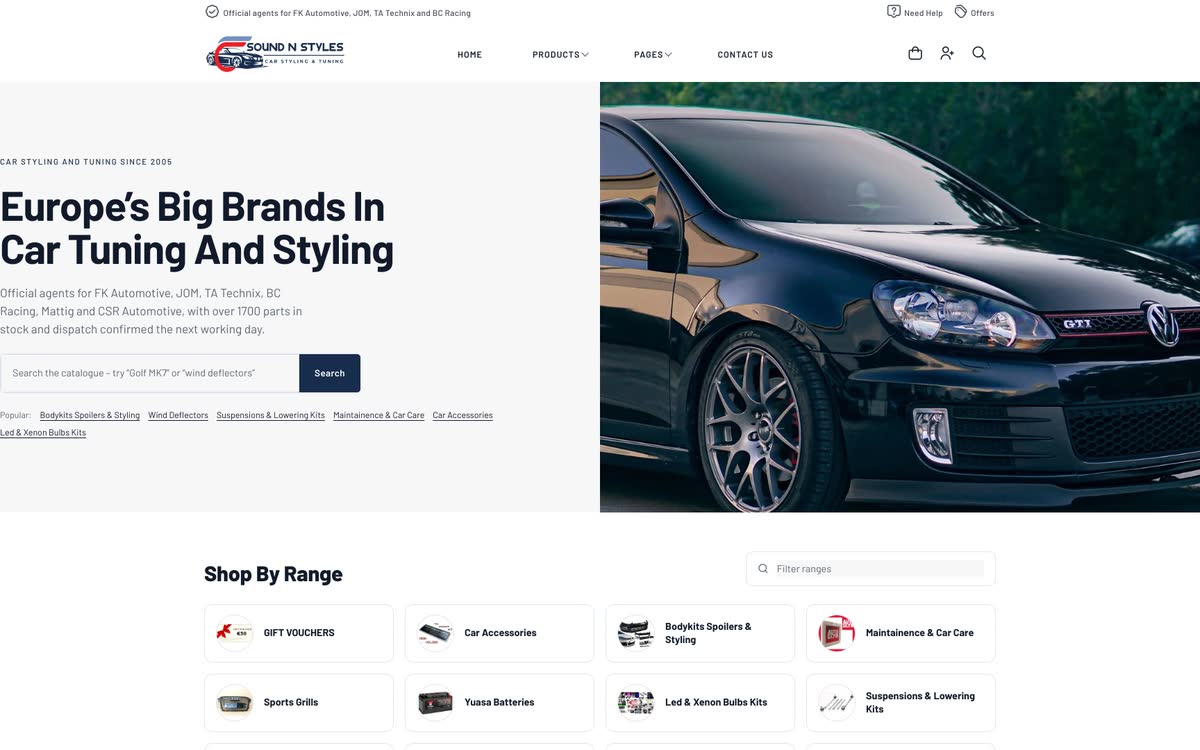
Car styling kits, performance suspension, car audio and security gear. Dense-grid EPIC theme built for a serious parts catalogue.
Visit store →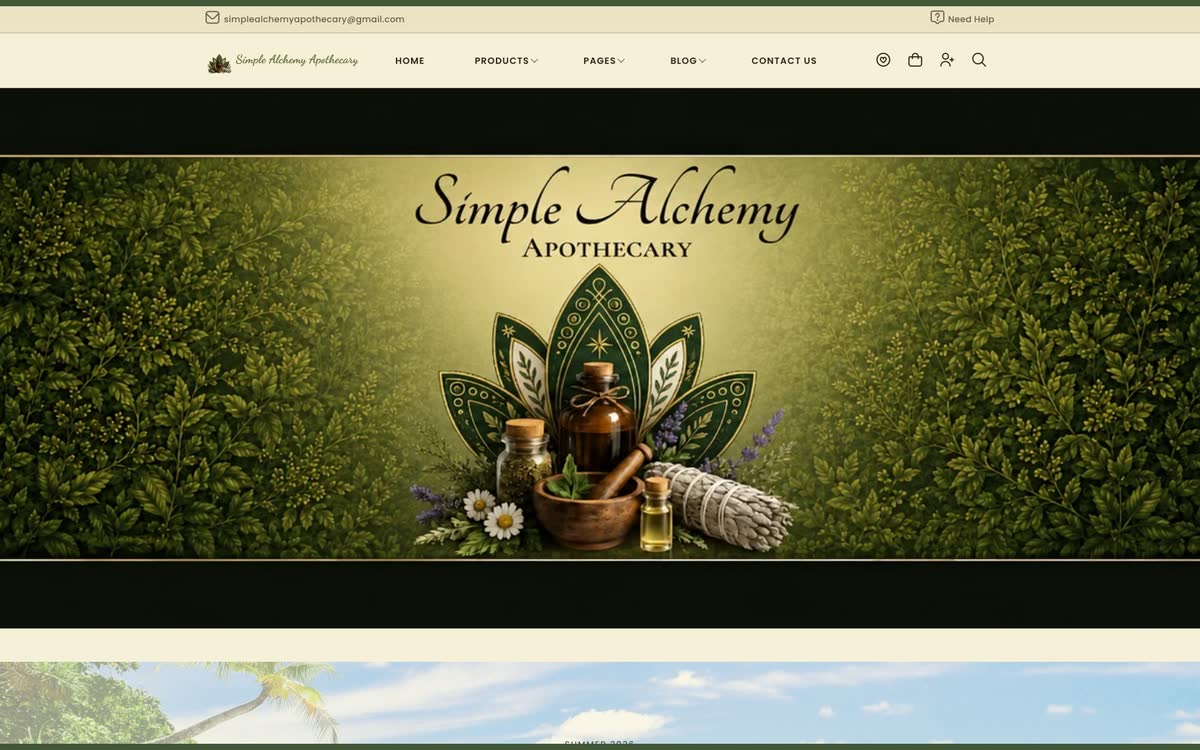
Botanical wellness and apothecary goods. Illustrated, nature-toned EPIC theme that sets the mood before the product grid loads.
Visit store →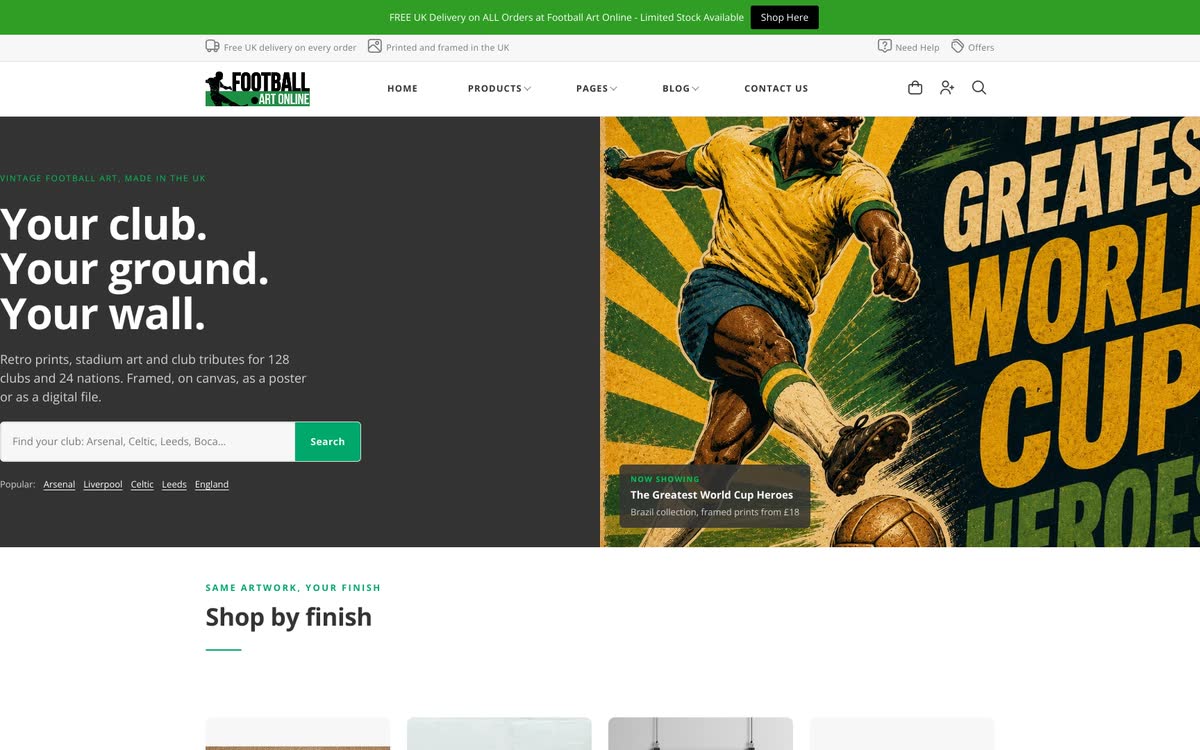
Framed football prints, retro art and fan gifts. Bold, image-forward EPIC theme built to let the artwork do the talking.
Visit store →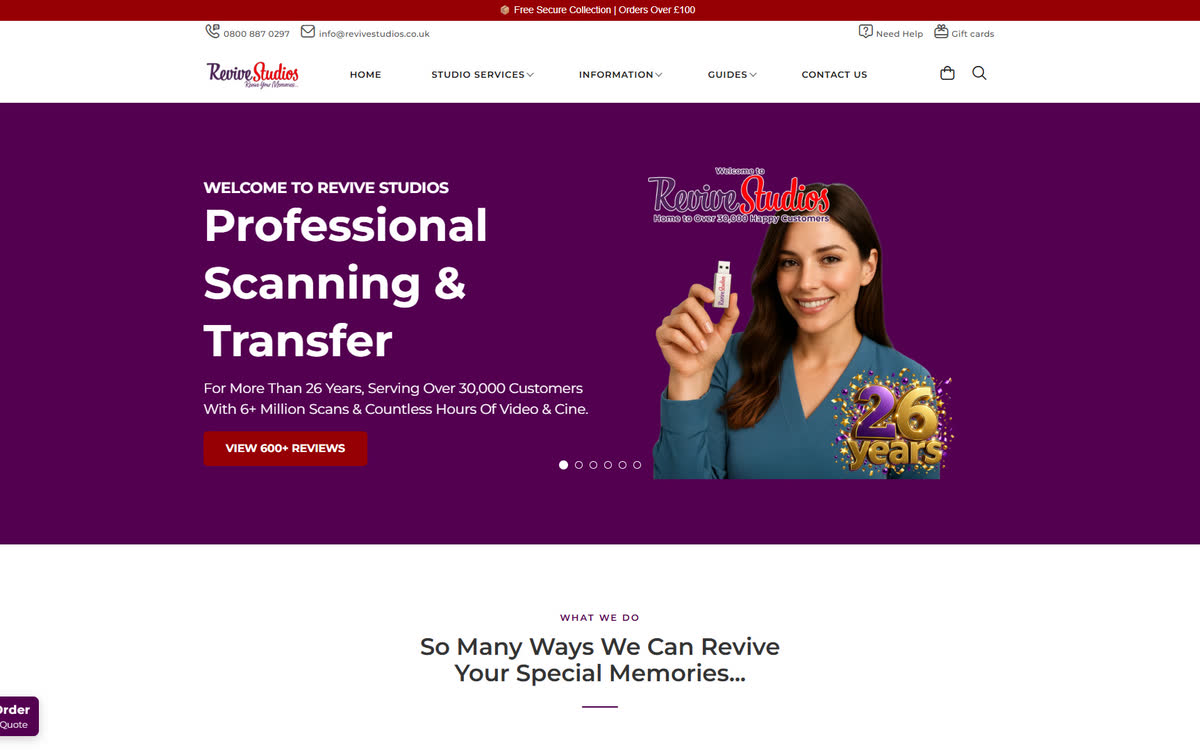
Professional slide, photo and negative scanning — 26 years in business, 30,000+ customers. EPIC theme built for a services storefront, not a product catalogue.
Visit store →EPIC is the visual layer. Flex is how you edit it. Neither works without the other — and neither costs anything extra.
Or let Flex pick one for you based on what you sell. Every theme is a full storefront pattern — hero, category navigation, product detail, cart, checkout — not just a hero image.
Colours, typography, imagery, copy, section order. The AI arranger does the first pass; you tweak in the live editor. Preview desktop and mobile at the same time.
Try a different EPIC theme whenever you want. Products, orders, customers stay put. Themes are the visual layer, not the data layer — so a redesign is never a rebuild.
The EPIC library ships with a broad set of themes covering the main storefront patterns — editorial, product-first grid, dense catalogue, lifestyle hero — and grows over time. Every theme is configurable in the Flex editor, so the same theme can look very different on two stores.
No. Every EPIC theme is included on every Freewebstore plan, including the free Community plan. No per-theme licence, no upgrade to unlock a design.
Yes. Try a different EPIC theme any time from the Flex editor — your products, orders and customers stay put. Themes are the visual layer, not the data layer.
Every EPIC theme is mobile-first — the mobile layout is designed alongside the desktop layout, not squeezed down from it. Over 70% of ecommerce traffic is mobile, and the themes are built for it.
Fully editable. Every element on an EPIC theme is directly editable in the Flex editor — colours, fonts, layout, images, copy, sections, product grids. The theme is the starting point, not the endpoint.
Yes. Themes are the visual layer. Stripe, PayPal, Ryft, Apple Pay, Klarna, Live Shipping Rates, and multi-channel selling (Google, Facebook, Instagram, TikTok) all work on every EPIC theme.
Pick a theme, tune it in Flex, publish in an afternoon.
Start my free storeNo credit card. Every EPIC theme included. Meet Flex →